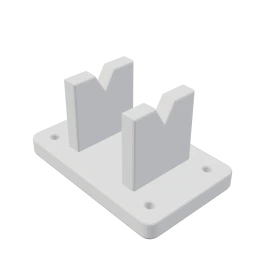
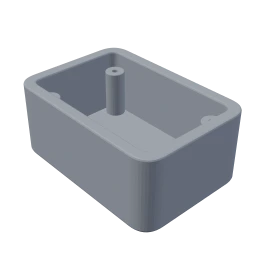
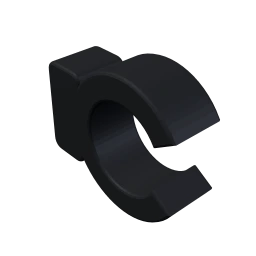
Submit files
Your page takes STL, STEP and 3MF files, plus drawings and other attachments, so a machined or laser-cut part comes in the same way as a printed one.
How it works · 01 Requests
Customers upload their files and pick the material and quantity on your request page. If anything is unclear, your team asks them in the project's chat.
 Projects
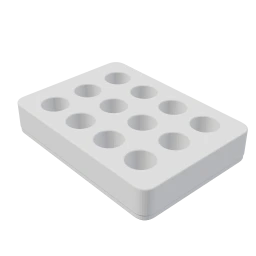
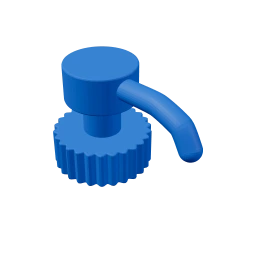
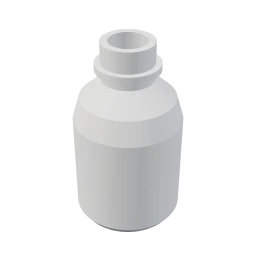
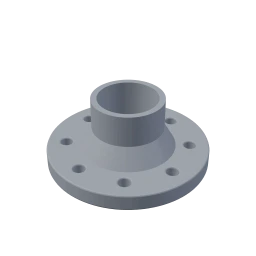
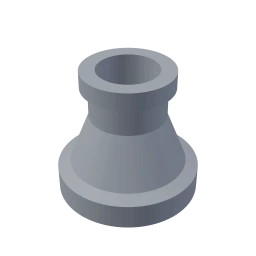
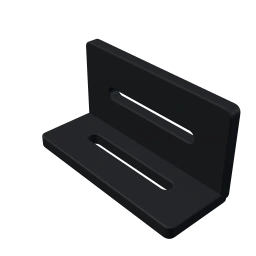
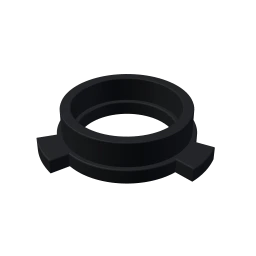
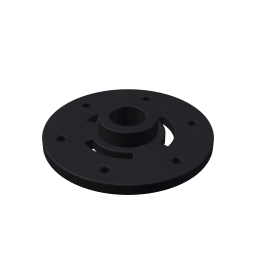
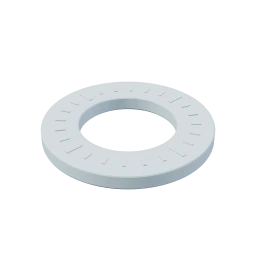
Any common CAD file becomes a part, with its process and quantity set in a few clicks.
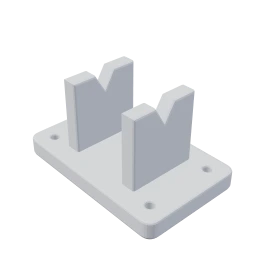
Every request a customer sends there becomes its own project on your board.
Your page takes STL, STEP and 3MF files, plus drawings and other attachments, so a machined or laser-cut part comes in the same way as a printed one.
Your team talks with the requester right on the job, so the files and the conversation stay in one place.
Customers see a price right away on parts that qualify, worked out at your own rates. The rest come to you to quote.
Customers check out on your order page. Once you connect QuickBooks, each invoice lands there without your team retyping it.
These two steps are all your customers do.
Your page takes STL, STEP and 3MF files, plus drawings and other attachments, so a machined or laser-cut part comes in the same way as a printed one.
Your team talks with the requester right on the job, so the files and the conversation stay in one place.
When a project's parts all need the same material and settings, copy them across in one pass. Tick only the settings you want copied.
Try it: give the first part a new material
Project #143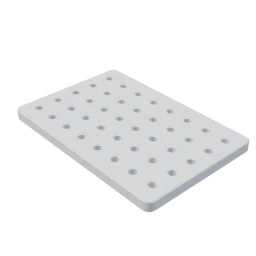 rig-base-plate.stlBlack PETG (FDM)40% · 0.20mm · 0.4mm
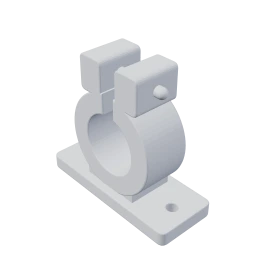 sensor-clamp.stlGrey PLA (FDM)20% · 0.16mm · 0.4mm
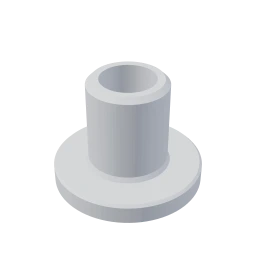 bushing-22mm.stlOrange PLA (FDM)100% · 0.16mm · 0.4mm
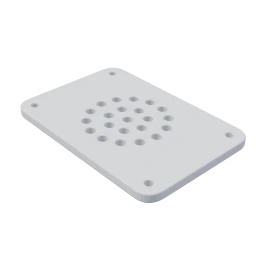 cover-plate.stlWhite PETG (FDM)20% · 0.12mm · 0.4mm
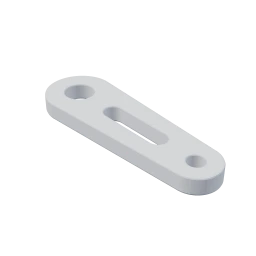 link-arm.stlGrey ASA (FDM)20% · 0.16mm · 0.4mm
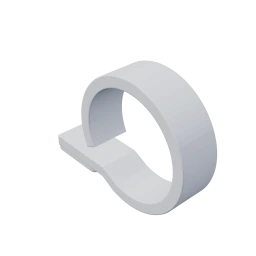 p-clip.stlBlue PLA (FDM)20% · 0.16mm · 0.6mm
Try it free on your own jobs, with a walkthrough if you'd like one.